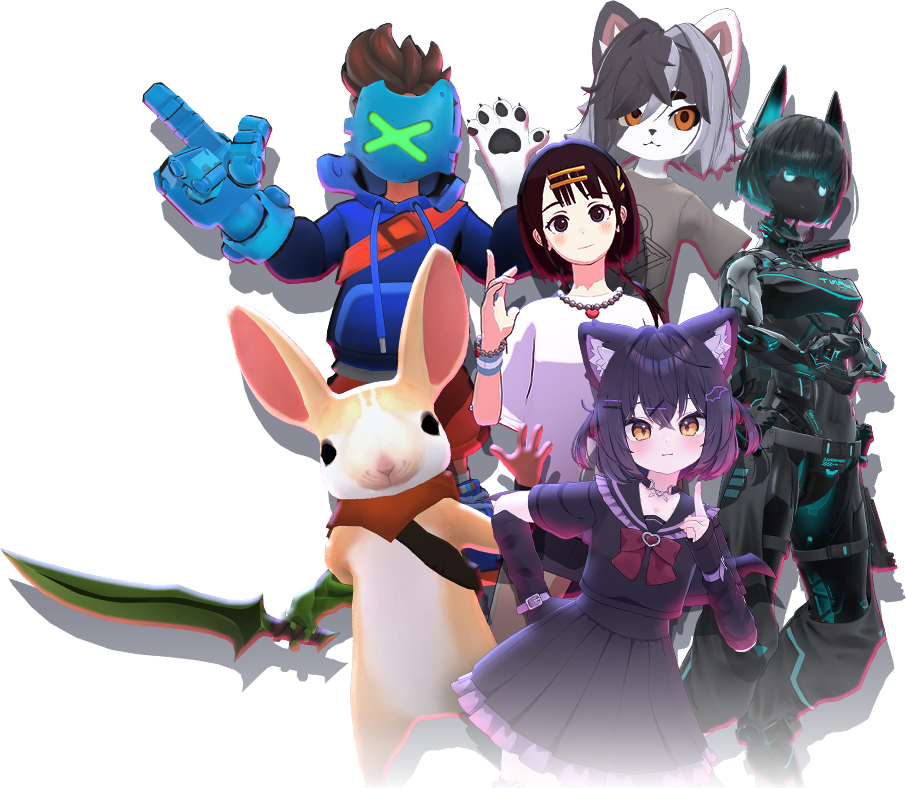

Avatars are 3D character models used by players in VRChat to represent themselves in virtual worlds. Avatars can vary widely in appearance, functionality, and performance requirements.
Overview
Avatars allow users to express identity and interact socially within VRChat. Users can switch between avatars at any time, depending on world and platform restrictions.
Avatar Types
- Public avatars – Available to all users.
- Private avatars – Accessible only to the uploader.
- Custom avatars – Created and uploaded using supported tools.
Platform Compatibility
Avatars may support different platforms depending on their complexity and optimization.
PC
PC avatars generally support higher polygon counts, advanced shaders, and dynamic components.
Quest
Quest avatars are subject to stricter performance limitations and may have reduced visual fidelity.
Performance Ranking
Avatars are assigned performance ranks based on their resource usage. High performance avatars are more accessible to other users.
Safety and Visibility
Avatar visibility may be affected by safety settings, trust rank, or user preferences.
Frequently Asked Questions
How do I change my avatar? Users can change avatars using the avatar menu within supported worlds.
Why can’t I see some avatars? This is usually due to safety settings or platform limitations.
Can I use the same avatar on PC and Quest? Only avatars optimized for Quest will appear on Quest devices.
References
Avatars are 3D character models used by players in VRChat to represent themselves in virtual worlds.[1]